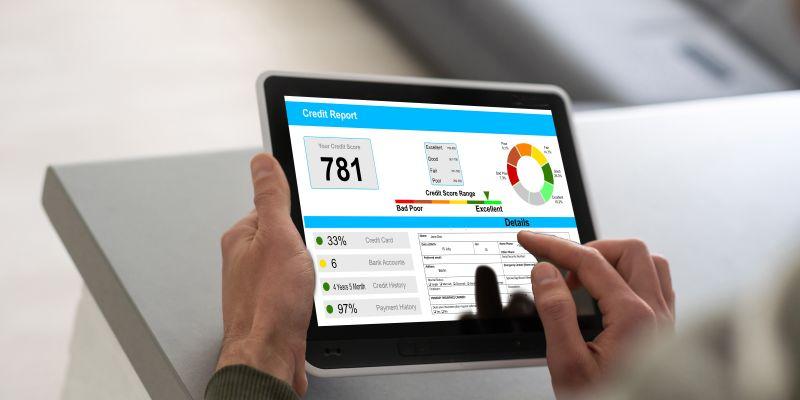
Switching banks sounds easy until you picture the chaos. A paycheck landing in the wrong place. A rent payment is bouncing. That one subscription you forgot is quietly charging the old card for months. Most people stay put because the risk feels bigger than the reward.
But a bank is a service, not a life sentence. If fees keep creeping up, the app is slow, or support treats you like a ticket number, it’s okay to move on. The key is doing it with overlap, not a hard cut. You set up the new account, shift money in controlled steps, and keep the old one alive long enough to catch every loose end.
Pick Your New Bank Like You’re Hiring It

Before you move anything, get clear on what you’re switching to. Lower fees, better ATMs, a smoother app, faster support, or all of the above. A new logo won’t fix old frustrations if the basics still don’t match your life.
Scan the fine print for deal-breakers early. Look for minimum balance rules, transfer limits, overdraft policies, and how long deposits take to clear. Those small details are where “great offers” quietly turn into a monthly irritation.
Do one quick reality check. Download the app and try common tasks like transferring money or locking a card. Then call support with one simple question. If it’s confusing or slow now, it won’t feel better after your money is tied to it.
Make A Clean List Of Every Money Connection
Switching banks isn’t one move. It’s a chain of tiny connections. Your goal is to see the full web before you start pulling threads. That way, nothing snaps later when you’re not looking.
Use the last two to three months of statements to build your list. Mark every inflow and outflow: salary, freelance payments, rent, loans, utilities, subscriptions, and wallet transfers. Small charges matter because they’re the easiest to forget.
Don’t stop at bills. Update anything that stores bank details, like payment apps, online stores, and work platforms. If an account can send or pull money, it belongs on the list. Once it’s written down, the switch stops feeling like guesswork.
Open The New Account And Lock Down The Basics
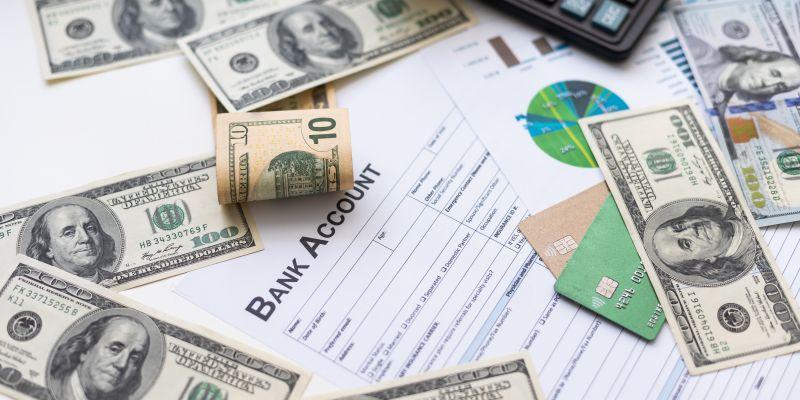
Open the new account and set it up like you plan to keep it for years. Turn on mobile banking, alerts, and notifications for deposits, low balances, and large transactions. Those pings will catch mistakes early, before they become expensive.
Treat login security as part of the move, not an afterthought. Use a strong password, enable two-factor authentication, and confirm your recovery email and phone number. If you lose access during the switch, everything feels harder than it should.
Order the debit card and any extras you truly use, like checks. Then verify practical limits: daily spending caps, transfer maximums, and how fast you can move money in and out. Knowing those numbers now prevents surprises later.
Move Your Income First So The New Account Feels Real
Start with the money that comes in. Once your income hits the new account, everything else becomes easier to steer. If you have direct deposit, update it through payroll as early as you can, since some employers need a pay cycle to process changes.
Don’t flip the switch blindly. Send a small test transfer to the new account and confirm it arrives with the correct name and account details. If you get paid by clients, update invoices or payment links now so the next payment lands cleanly.
Keep the old account open while this settles. Your goal is a smooth overlap where income starts flowing into the new bank, but nothing breaks if one deposit runs a little late. That overlap buys you breathing room.
Shift Your Bills In A Two-Week “Soft Move”
Don't dump all your bills into the new account at once - do this in stages instead. Start with the absolute essentials you can't afford to miss: your rent, utilities, loan payments, and insurance. Sort out each one's autopay setup & then double-check that it says the new account next time it's due.
Then start on the smaller regular outgoing payments like your streaming service, software subscriptions, gym membership & any food delivery apps. These are the type that slip your mind, even when you think you've sorted everything out.
For the next month at least, keep checking your calendar to make sure it's all working as it should. Changing banks is a habit change almost as much as it is a setting change, so make sure you've got a buffer of cash in the old account in case any final payments get sent there instead of the new one.
Bring Your Spending Over Without Breaking Anything
Once income and bills are moving, bring your everyday spending across. Update card details in the apps you use most, especially ones tied to urgent needs like ride-hailing, food delivery, and online shopping. You’ll notice problems fast and can fix them immediately.
Watch for the sneaky stuff. App store subscriptions, annual renewals, and old merchant profiles can keep charging a card you stopped thinking about. A quick scan of saved payment methods in your main accounts can prevent months of quiet repeats.
Turn on real-time alerts for card activity while you transition. It’s the easiest way to spot a charge that shouldn’t be there. If something hits the old account, you’ll catch it instantly and move that merchant over.
Do A Final Sweep Before You Cut The Cord
Before you close anything, treat your old account like a hallway light you’re about to switch off. Walk through one last time. Check recent activity for pending charges, refunds that haven’t landed, and transfers that are still scheduled.
Look at your autopay list and upcoming due dates. Sometimes a biller updates late, or a payment is queued even after you change settings. You want every important payment either completed or clearly set to pull from the new account.
Then wait a few business days after your last major bill. That short buffer helps you catch the stragglers. When the old account stays quiet for a stretch, you’ll know you’re not closing on a surprise.
Close The Old Account The Right Way
Once the account is truly quiet, save what you may need later. Download recent statements, tax documents, and any confirmation screens tied to payments. If you ever need proof of a charge, you’ll be glad you kept a clean record.
Move the remaining balance to your new account, leaving a small buffer only if you still expect a refund. Then contact the bank and request closure. Ask if there are any steps on their side that could delay it.
Finally, get written confirmation. Email, letter, or a secure message inside the app works. Keep it with your saved statements. It’s the easiest way to shut down future confusion if something resurfaces months later.
The Calm Switch Is The One You Control
Switching banks feels stressful when you imagine one dramatic cut. The smoother move is an overlap. You open the new account, move income first, shift bills in waves, and migrate spending with alerts turned on so nothing slips past you.
Give yourself a short transition window and keep checking the old account until it stays boring. That’s the real sign you’re ready. Boring is good here. It means your payments have found their new home.
When you finally close the old account, do it with receipts, confirmations, and a clear head. After that, the switch is done. Your money is where you want it, and your bank is earning the right to keep you.